or go to full-text search page →

Search

Search IconIcon to open search

ReadWise

Last updatedUpdated: by Simon Späti · CreatedCreated: · 1 min read recently updated Recent changes 2 weeks ago +44 / −2 words 7 months ago +0 / −3 words 3 years ago +0 / −3 words 4 years ago +18 / −0 words 4 years ago published · 29 words

Readwise can import from all kind of sources such as:

  • also with Instapaper
  • kindle app
  • Medium
  • and and and … etc.

it’s the app for all highlights in one place

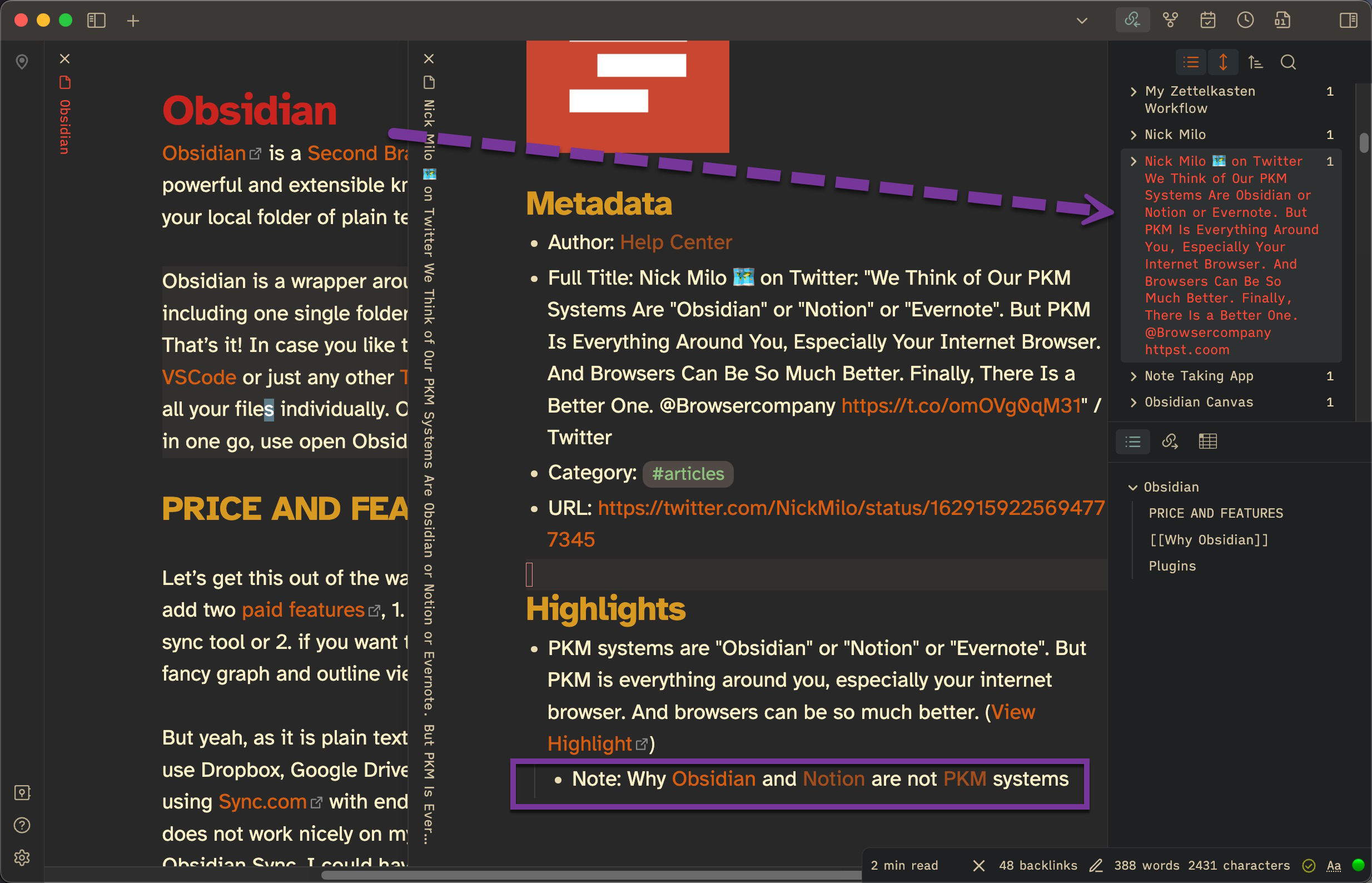
Integrates with my Obsidian with a plugin to sync into my vault.

# The Power Features

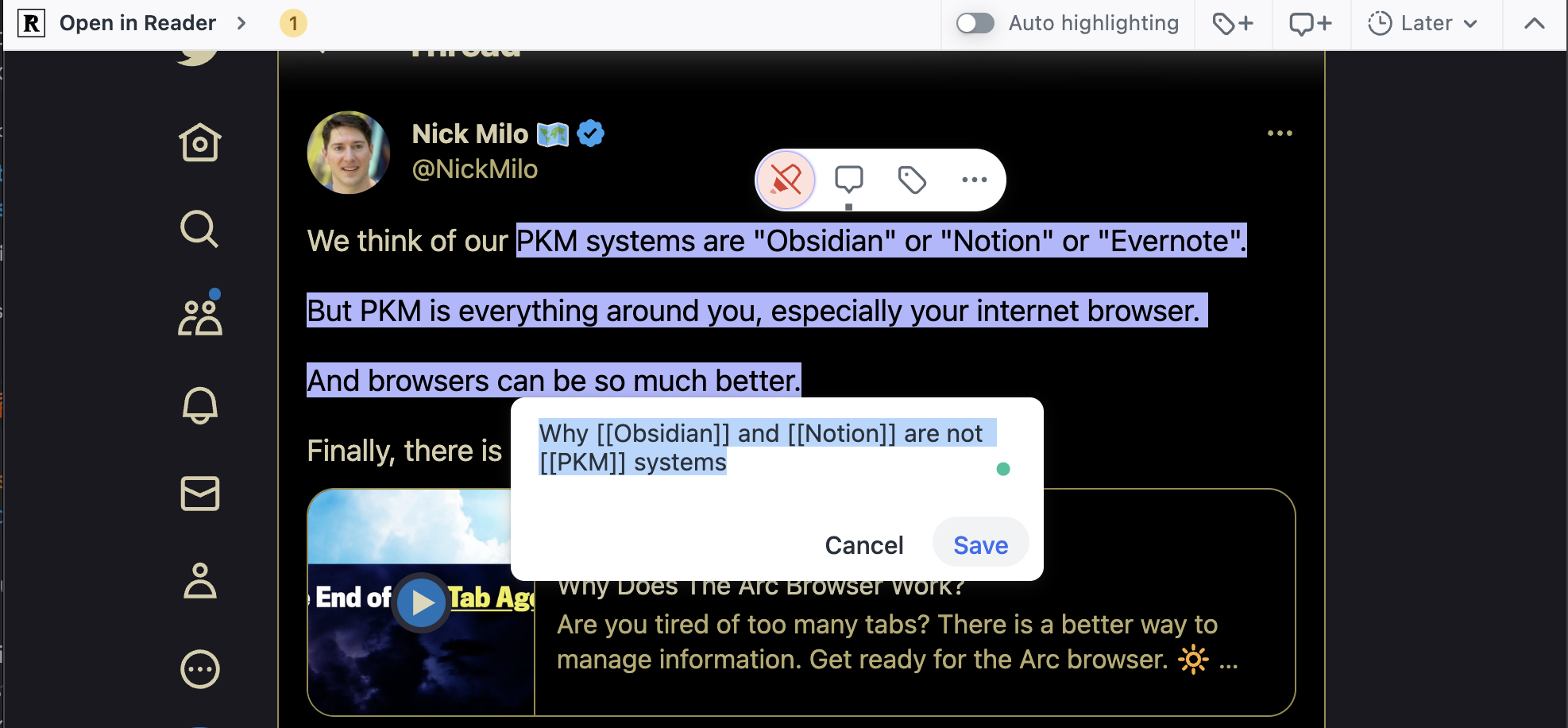
See RW Amazed by How @Readwisei….

# Integration with Obsidian

How the integration with Obsidian works:

# Alternatives: And Workflow Change

See the updated workflow with Obsidian Webclipper, my new choice for highlighting and clipping insights from websites:

My Terminal Workflow with MacOS and Linux

I used ReadWise for a while, but I completely changed my workflow to Obsidian Webclipper.

When I have lots of highlights and I’m on the computer, I create a new note with Webclipper and copy it directly as a quote, or add notes/comments inside the Obsidian note, instead of highlighting on a web page and then syncing that into Obsidian, which would also work with Webclipper.

So not only did the tool change, but the workflow did too. Even more, what I like is taking clips of books, and with Obsidian Webclipper, it allows me to add comments directly; no need to wait until it syncs. Meaning, if I clip a book that I got recommended, I can directly add the person, or a link to where I got the recommendation from, into the note at Origin:. So when I actually get to what I want to read next, or if I discover the book after a couple of years, I still know who suggested it to me, which is important information that belongs to each book if I haven’t found it myself.

If you use Obsidian Webclipping, see my templates at My Templates, so you can use it for YouTube, LinkedIn, GoodReads, Receips, etc.


Origin: